
CLIENT INTAKE
Client Intake Forms That Fill Themselves Into the File
Send clients a secure online form, collect exactly what each case type needs, and watch their answers save straight to the file. No paper, no scanning, no retyping.
- Sent as a secure link with an auto-generated access code
- Every submission travels over SSL encryption
- Answers save straight to the client's file, no manual entry
HOW IT WORKS
From Built to Saved, in Four Steps
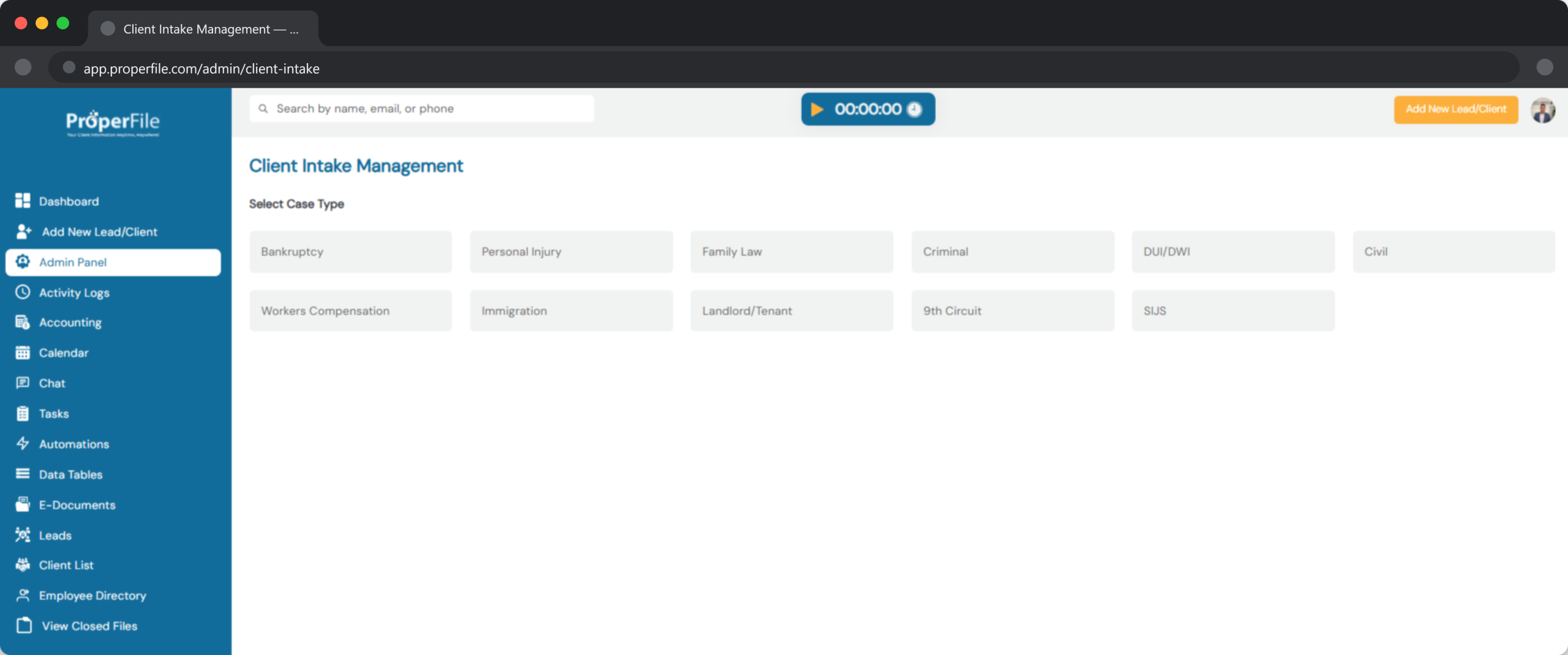
Every intake form follows the same secure path, from the moment you build it to the moment the answers land in the file. Swipe through to see the full journey.
STEP 1
Build the Form
Create or customize an intake form for the case type at hand, or let the AI draft it: upload the intake form you use today, or describe the case, and ProperFile suggests the sections and questions for you to review. Add date fields, text fields or multiple-choice options, the same field types available on our custom fields, with no limit on how many a case type can have.
STEP 2
Send the Secure Link
Email the form to your client and ProperFile automatically generates a unique access code, so only they can open it. Intake forms can also be accessed from the client’s portal.
STEP 3
Client Fills It Out Online
Your client answers at their own pace from any device. Every submission travels over SSL encryption, so their information stays protected.
STEP 4
Answers Save to the File
Responses are automatically added to the client’s file the moment they are submitted, no printing, scanning or retyping required.
WORKFLOW
Create, Customize and Share Intake Forms
Share Forms Online
Email your client a secure link and let them fill out the form on their own time. Every submission downloads straight into their file, no extra step required.
Customize Per Case Type
Add, edit or customize intake forms for each case type. Use the same date, text and multiple-choice field types as our custom fields, with no limit on how many you add.
Build It With AI, Free
Upload your current paper form (a PDF or a photo), or just describe the case, and the AI turns it into an online intake form in about a minute. You review every question, reword it or change its type, and only what you keep is added. Building forms with AI is always free and uses no AI credits.
Prefer We Set It Up?
Email your blank intake forms and contracts to support@properfile.com (Word or PDF, with no client details) and we’ll build them into your account within 5 business days.
Save Time, Go Paperless
Skip printing, scanning and filing. Capture what you need up front and keep every case file complete from day one. Pair it with a client intake follow-up system to keep new leads moving.
Available in Up to 8 Languages
Turn on Spanish, Vietnamese, Chinese, Korean, Tagalog, Russian, French, or Portuguese, and the AI translates your intake form — the client answers in their own language, and their words reach you in English.
FAQ
Frequently Asked Questions About Intake Forms
How do clients access the intake forms securely?
Our software will automatically generate an access code that will be e-mailed to the client when a form is sent. All information is sent through the web securely through SSL encryption.
Additionally, clients will be able to access the intake forms directly from the client portal.
What kind of field types are available?
Whether you need to save dates, text or multiple choice options, we got you covered. Our simple but easy to use client intake fields management tool will make it easy to store all types of information from your clients.
Is there a limit on how much information or intake form fields I can have per case type?
There is no limit on how many field types you want to use to collect information from your clients.
Can the AI build my intake form for me?
Yes. Upload the intake form you use today or describe what you need, or leave both empty and the AI suggests the usual questions for the case type. Nothing is added until you’ve reviewed it, and your uploaded form isn’t kept after it’s read. Building forms with AI is free.
Capturing the Right Information Starts Before the Case Does
We understand that capturing the right information from the initial stages of pre-screening to retaining clients is crucial.